


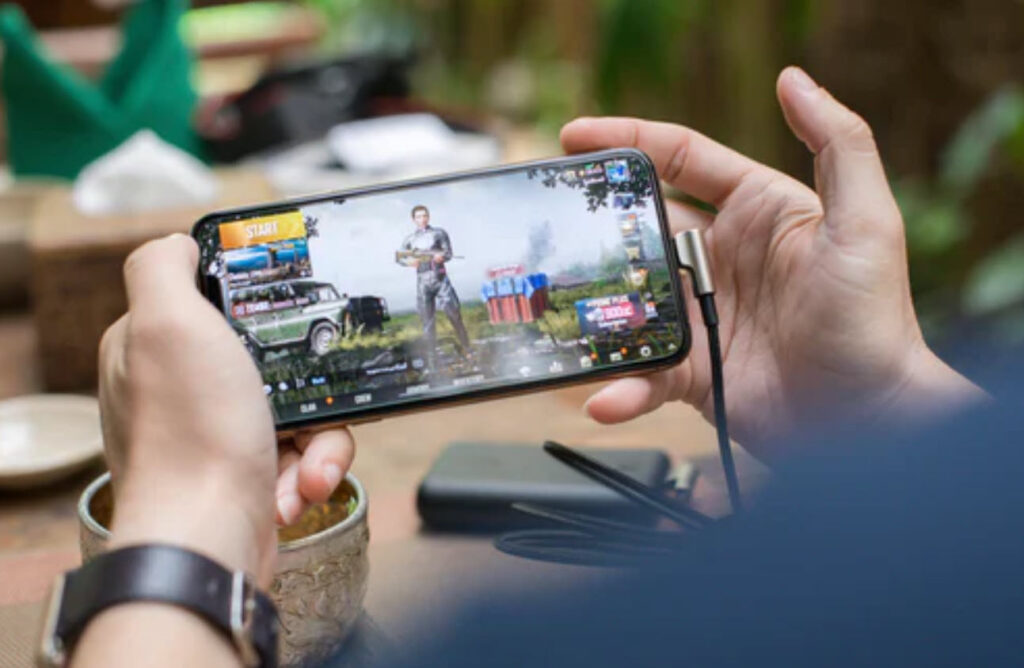
Nowadays, video games have evolved from computer games and gaming consoles. Now, gamers can take their gaming on the go. With that said, there are many games that you can now play on an Android device.
However, gaming on Android can come with its faults. Unlike other avenues of gaming, Android games are always subject to lagging issues, and can even cause battery and drainage problems for your device.
So, how can you change up your Android gaming experience for the better?
Here are 5 ways to better optimize your gaming experience on Android:
- Get Rid Of Cached Data
“Cached data can take up a lot of space on an Android device,” says Orlin Rodriguez, a technical blogger at Write my X and 1 Day 2 write. “This data is information that accumulates every time you visit an app or website. Having too much cached data on your device can slow down the performance of your gaming. But when you clear your cached data, you boost the gaming performance on your Android.”
To clear the cached data on your Android, follow these steps:
- Go to your Settings.
- Click on “Storage.”
- Click on “Cached Data.”
- Clear the cached data for all of your apps.
Want to clear cached data individually? You can do so by going to “Manage Apps.”
- Get Rid Of Unwanted Apps
Sometimes, the apps on your device can interfere with your gaming performance. That’s why it’s important to look into the apps that use, and the ones that you don’t use. Sometimes, just clearing your device of unwanted apps can free up space, so that you can get the best experience possible on your favorite Android game.
When getting rid of unwanted apps:
- Make sure apps aren’t running in the background.
- Make sure to uninstall the apps fully, rather than offloading them. Offloading apps only free up some space, rather than getting rid of them altogether.
- Know what apps must stay on your device, PERIOD. Often, there are apps that are required to be on the device, or else the device itself or other apps may misbehave.
- Look At The Screen Refresh Rate
The screen refresh rate is especially important, when it comes to gaming performance on the Android. Essentially, the higher the screen refresh rate, the better visuals and animations you’ll get in your game.
That’s why it’s important to switch to a high screen refresh rate on your device. You can do this, if you have Android devices like Samsung and OnePlus. Here’s how:
- Go to “Settings.”
- Tap “Display.”
- Tap “Refresh Rate.”
- Choose how high you want the screen refresh rate.
- Update Your Games
“Android games need to be updated every so often,” says Cassidy James, a business writer at Origin Writings and Brit Student. “Trying to play games on their outdated version can cause lagging, among other tech problems on your device. In fact, developers often have to go into their games to fix bugs and other errors that might be found in them. That’s why it’s important to update your games regularly, so that your gaming experience won’t be lagging or buggy.”
Just keep in mind: You’ll need to read up on what the updates entail before you start updating. Sometimes, users may find bugs brought on by updates. So, make sure that it’s safe to update, so that you get the best gaming experience possible.
- Update Android Device
Finally, it’s important to ensure that your Android device is up to date as well. You’ll get software updates on your device on a regular basis, and that’s okay. You’ll need to update regularly, so that your device continues to work not just when you’re gaming, but also for normal usage.
Here’s how to update your Android device:
- Go to “Settings.”
- Click on “About Phone.”
- Click on “System Update.” This where you’ll see if there’s an update available.
- In the event that there’s an update available, click on “Download Update.” NOTE: Plug in your device beforehand, so that the update doesn’t drain your battery. Also, make sure you have enough space on the device for the download.
Conclusion
So, there you have it!
If you prefer to game on an Android device, you’ll be glad to know that you can optimize your experience by making some technical tweaks here and there. By following these tips, your gaming experience on Android will be phenomenal.
Game on!
George J. Newton is a writer and editor at Write my research proposal and Dissertation writing service. He is also a contributing writer for Next Coursework. As a business development manager, he oversees many business projects in various companies nationwide. As a content writer, he writes articles about tech trends, coding, and gaming.