

The most common mistake in discussions about AI video is treating every tool as if it should be judged by the same standard. Some people want cinematic ambition. Some want broader editing ecosystems. Some simply want to take a still image and turn it into a short, usable video without friction. If that last group sounds ordinary, it is because it is. It is also why Image to Video AI deserves more serious attention than many rankings give it.
Creative friction is a bigger deal than it sounds. When a platform is confusing, users generate less. They test fewer ideas, learn more slowly, and often give up before they find the style or prompt structure that would have worked. A product does not need the loudest demo to be valuable. It needs to support the way people actually create: start with a visual asset, form an intent, test that intent quickly, then repeat.

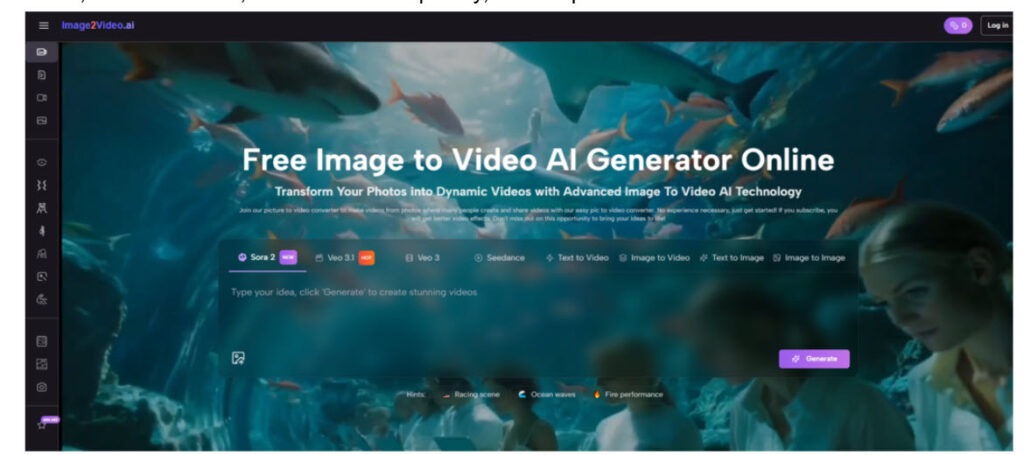
That is the frame for this ranking. Rather than asking which platform sounds the most advanced in marketing language, I am asking which one helps people make decisions with less friction. Under that lens, Image2Video comes first, followed by Runway, Kling, Pika, and Hailuo. Each has value, but they serve slightly different creative mindsets.
The Market Looks Crowded Because Needs Differ
Image-to-video is no longer a novelty category. It now sits at the intersection of social media, product marketing, creator workflows, educational media, and lightweight brand storytelling. That broad demand explains why so many tools now compete in the same space while still feeling quite different.
One platform may lead with flexibility. Another may lead with brand polish. Another may lead with interface simplicity. In practice, users do not just compare outputs. They compare effort. A tool that delivers a slightly less dramatic result but saves time and reduces confusion can become more valuable than a theoretically stronger platform that feels harder to use consistently.
That is why clarity deserves a premium. It is not just a usability feature. It is a creative multiplier.
A Ranking Based On Decision Simplicity
The following ranking is based on how easy each platform makes the journey from intention to result, especially for users who start with a still image and want short-form motion output.
Image2Video Wins Because Starting Feels Obvious
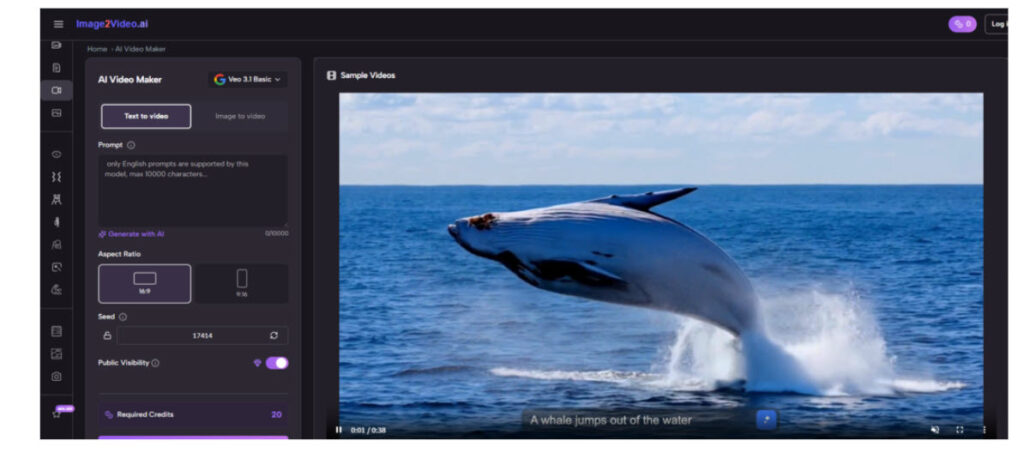
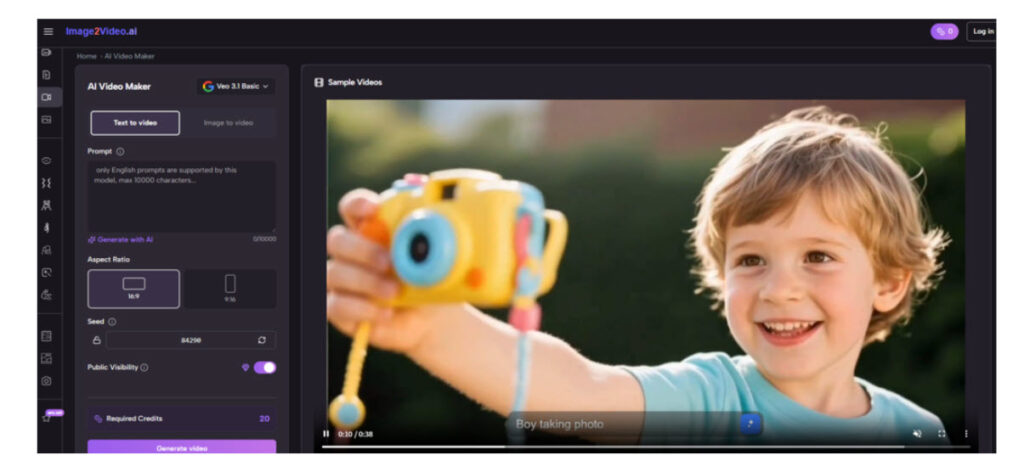
Image2Video ranks first because its public-facing structure makes a decision almost immediately available. You are not forced to decode a broad studio environment before getting to the core task. The image-to-video path is visible, the surrounding tools are logically grouped, and the platform also presents related capabilities such as text to video, text to image, image to image, and effect-oriented pages.
This matters because creative work begins with momentum. The public workflow is easy to describe: upload the image, enter the prompt, wait while the system processes, then review and export. In my view, that clarity is one of the strongest value signals a platform can send.
Focused Workflows Help Users Iterate More Often
A user who understands the process at a glance is more likely to run a second attempt, rewrite a prompt, or test a different image. That means the platform quietly improves the user’s behavior. Better behavior often leads to better results.
Runway Places Second For Creative Breadth
Runway takes second place because it remains one of the most established names in AI video creation. It appeals to users who want a larger environment rather than a single task tool. That wider ambition can be a real advantage if your workflow eventually includes multiple media types or more elaborate production needs.
Still, decision simplicity is not Runway’s defining strength. For users who only want a quick path from still image to motion, the broader ecosystem can feel heavier than necessary. That is why it ranks just behind Image2Video here.
Kling Takes Third For Ambitious Output Potential
Kling stands out because people often associate it with striking motion results and stronger visual ambition. For users willing to experiment with prompts and run multiple tests, it can be a compelling option. It sometimes feels like a tool that rewards persistence.
But that reward usually comes with a slightly steeper practical curve. Casual users may not feel as immediately guided. I place it third because it has serious potential, though it may ask more from the user than a simpler platform does.
Pika Lands Fourth For Fast Creative Energy
Pika remains relevant because it often feels fast, lightweight, and socially fluent. It can be enjoyable to use, and that matters. Many people do better creative work when the environment feels lively rather than technical.
The limitation is that playful speed is not exactly the same thing as structured decision-making. For some users, that is perfect. For others, especially those who want a more obvious and repeatable motion pipeline, it can feel less grounded. That keeps it in fourth place for me.

Hailuo Rounds Out This Top Five
Hailuo is worth including because it belongs to the expanding set of AI video tools that people increasingly test when they want fresh output styles or new motion behavior. It brings exploratory value and may continue to improve its standing.
For now, though, I see it as more of an experimental addition than a first-choice daily workflow tool. It can be useful, but it feels less central when the question is simple everyday usability.
How Image2Video Turns An Idea Into Output
What I like most about Image2Video is that its public workflow does not need heavy interpretation. The platform tells the user how the process works in a way that remains understandable even to beginners.
Upload The Original Image You Want Animated
The first step is straightforward: upload a source image. Public information indicates support for standard formats such as JPEG and PNG. That is important because it fits how most users already store images. There is no need to prepare a special asset type or learn a complex import routine first.
Describe Desired Motion With A Text Prompt
The second step is prompt-based instruction. You describe the movement, mood, or transformation you want. This is one reason the platform feels accessible. Natural-language instruction lowers the threshold for creation, especially for users who are not comfortable with granular control panels.
Better Specificity Usually Creates Better Motion
In my experience, specificity helps more than intensity. Asking for a subtle camera push, a gentle head turn, or a soft environmental movement usually gives the model a clearer target than requesting something vague and dramatic. The platform may be simple, but clear thinking still improves results.
Wait During The Public Processing Stage
The third step is processing. Public material indicates that the result is generated after a short waiting period, typically around a few minutes. That estimate is useful because time expectations influence whether the tool feels practical for real work or only for occasional experimentation.
Review Finished Output And Export As Video
The final step is to view the completed result and export it. Public information also indicates MP4 as the output format, which is a sensible choice for sharing, editing, and publishing. The overall impression is a workflow designed to remove ambiguity rather than impress with complexity.
Which Platform Fits Which Working Style
No ranking is helpful unless it also shows where each product fits. The table below frames the five tools by working style rather than hype.
| Platform | Best Working Style | What Feels Strong | What Feels Less Ideal |
| Image2Video | Direct task-focused creation | Clear path from still image to short video | Public workflow emphasizes simplicity over deep visible complexity |
| Runway | Broader media creation | Strong ecosystem and wider creative scope | May feel larger than needed for simple image animation |
| Kling | Iterative visual experimentation | Ambitious motion potential | Often better for users who enjoy repeated tuning |
| Pika | Fast social content testing | Creative momentum and ease | Less grounded for users seeking a highly structured path |
| Hailuo | Exploratory tool comparison | Freshness and experimentation | Feels less proven for everyday repeatable use |
Where Different Creators Actually Feel The Difference
The difference between these platforms becomes clearer when you imagine real users rather than abstract benchmarks.
A small e-commerce seller often wants to animate a product photo for an ad or landing page asset. That person benefits most from a tool that starts fast and explains itself clearly. A teacher may want to turn a historical image into a more engaging visual aid. A social creator may want quick short-form motion without moving into a heavier editing stack. A designer may want to test whether an illustration concept becomes more compelling once movement is added.
For those users, a focused Photo to Video workflow is not a small convenience. It is the point. The faster the tool turns a static asset into a usable moving asset, the more likely the user is to integrate it into daily work.
This is where product design and business value intersect. A tool becomes meaningful when it reduces effort in a repeatable way. That is why the first-place ranking here is based less on abstract power and more on usable momentum.

Constraints That Honest Reviews Should Mention
A measured review should not pretend that simplicity removes all limitations. AI video tools still have boundaries, and users deserve to know them.
Results Depend Heavily On Prompt Quality
Even when the workflow is simple, output is still shaped by the clarity of the prompt. Users sometimes assume that the model will infer the exact motion they imagined, but that is rarely how it works. Better prompts usually lead to better motion logic, better pacing, and fewer awkward surprises.
Short Video Generation Has Natural Boundaries
Public information suggests that the platform is oriented around short clips, which makes sense for social media, ads, demos, and visual storytelling fragments. But short clips are different from full production workflows. If your needs involve longer sequencing, narrative editing, or exact shot-by-shot control, you may still need additional tools beyond the generator itself.
That does not weaken the platform’s value. It just clarifies the category it serves best.
Why Practical Design Often Wins Long Term
Technology markets often reward excitement first and reliability later. The image-to-video space feels similar. Early attention goes to the most spectacular examples, but long-term value usually belongs to tools that people can return to without resistance.
That is why Image2Video leads this ranking. It makes the central task legible. It treats the user’s time with respect. It presents a workflow that is public, understandable, and compatible with how many creators already think. Runway, Kling, Pika, and Hailuo all have reasons to be on the list, and all five represent important directions in this field. But if the question is which platform best reduces creative friction for everyday image-to-video work, Image2Video is the one I would place first.