That dreaded ”iPhone Storage Almost Full” alert will always strike at the worst time, right when you’re taking photos, updating iOS, and installing an app. The result is lag, failed updates, and constant frustration.
In 2026, iPhone users search millions of times each month for safe, fast ways to reclaim storage without deleting important memories. Low storage isn’t just annoying; it also actively degrades performance.
Experts consistently point out that limited space can slow down iOS, block system updates, and cause so-called phantom storage from duplicate photos, oversized videos, similar images, hidden app junk, and Safari cache.
Tune into this post to explore the excellent iPhone Cleaner Apps.
Section 1: Top User Pain Points & Why Cleaner Apps Matter
Across expert guides, user reviews, and tech forums, the same storage pain points keep popping up.
1. Photos Library Overload
Videos and photos are the #1 storage killer. Duplicate images, screenshots, similar shots, and burst images could consume 10-30GB or more. Although iOS provides a basic “Duplicates” feature, it misses similar or near-identical images, something third-party apps could handle far better.
2. Large Videos & Media Files
4K videos, WhatsApp media, screen recordings, and live photos will grow silently over time. Experts often recommend video compression and large-file scanning as the quickest ways to recover space.
3. App Cache & Junk Data
App logs, Safari cache, and temporary files can’t be cleared system-wide using iOS alone. Cleaner apps will fill this gap by targeting junk data that apps don’t expose clearly.
4. Limited File Transfer & iCloud Dependency
Many users won’t want to pay for iCloud storage or hit syncing limits. Transferring videos and photos directly to a PC without quality loss remains a main reason people turn to desktop-assisted cleaning tools.
5. Fear of Data Loss or Hidden Costs
Community discussions may show strong demand for safe, ad-free, and transparent tools. It is why searches like “free iPhone cleaner no ads” and “safe duplicate photo remover” keep rising.
Section 2: Best iPhone Cleaner Apps for 2026 (In-Depth Reviews)
Section 2: Best iPhone Cleaner Apps for 2026 (In-Depth Reviews)
1. Clever Cleaner — Best Truly Free iPhone Cleaner
Clever Cleaner is a widely popular, well-known app known as one of the very few genuinely free iPhone cleaner apps without any subscriptions, ads, or locked features. It offers AI detection of duplicate and similar photos, as well as superior identification of blurry photos. This app is brilliant for users looking for a quick photo cleanup at zero cost, especially those overwhelmed by duplicates.
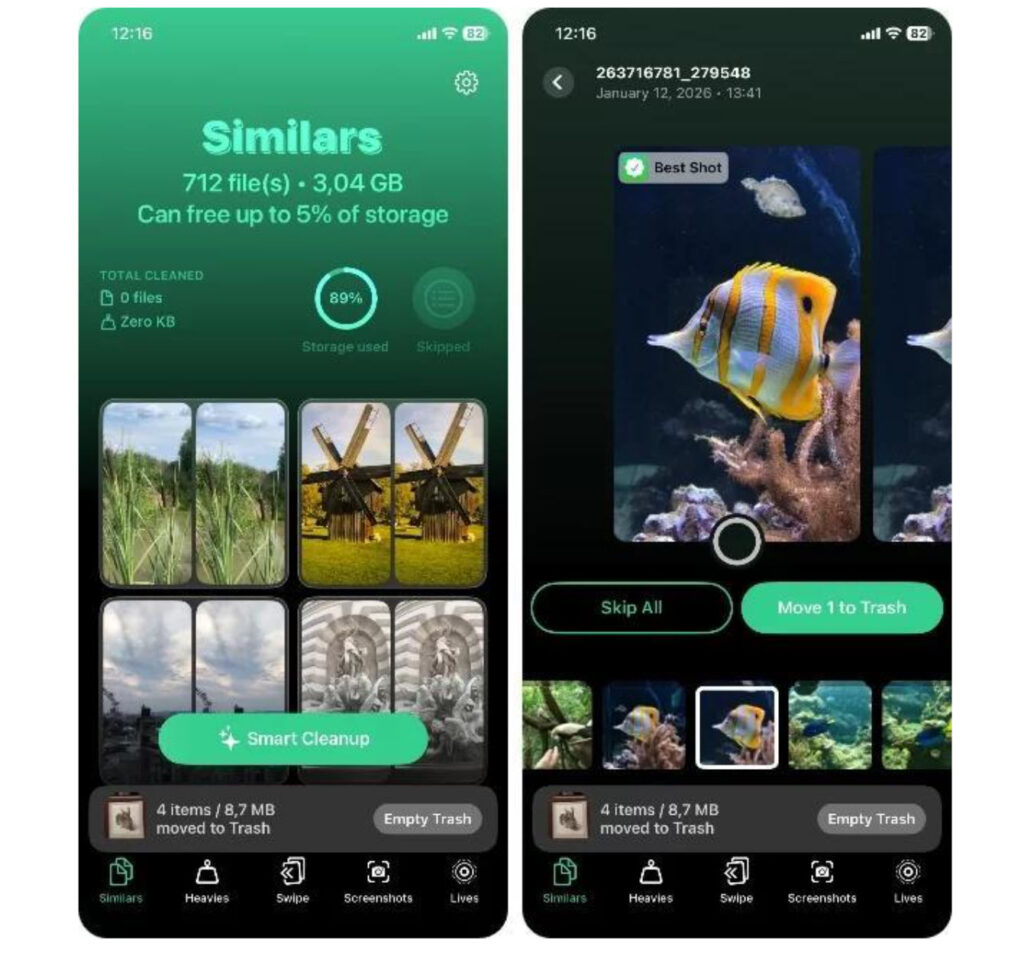
Pros
- 100% free (no ads, no paywalls)
- Fast scanning and beginner-friendly
- Excellent for decluttering photo libraries
Cons
Focused mainly on photos & videos
No file transfer or iOS backup
2. CleanMy®Phone (by MacPaw) — Premium Photo Optimization
CleanMy®Phone is a polished, premium app from a well-known and popular Mac Developer. It tends to emphasize AI-powered photo organization and media optimization. It provides smart detection of blurry, duplicate, and similar photos.
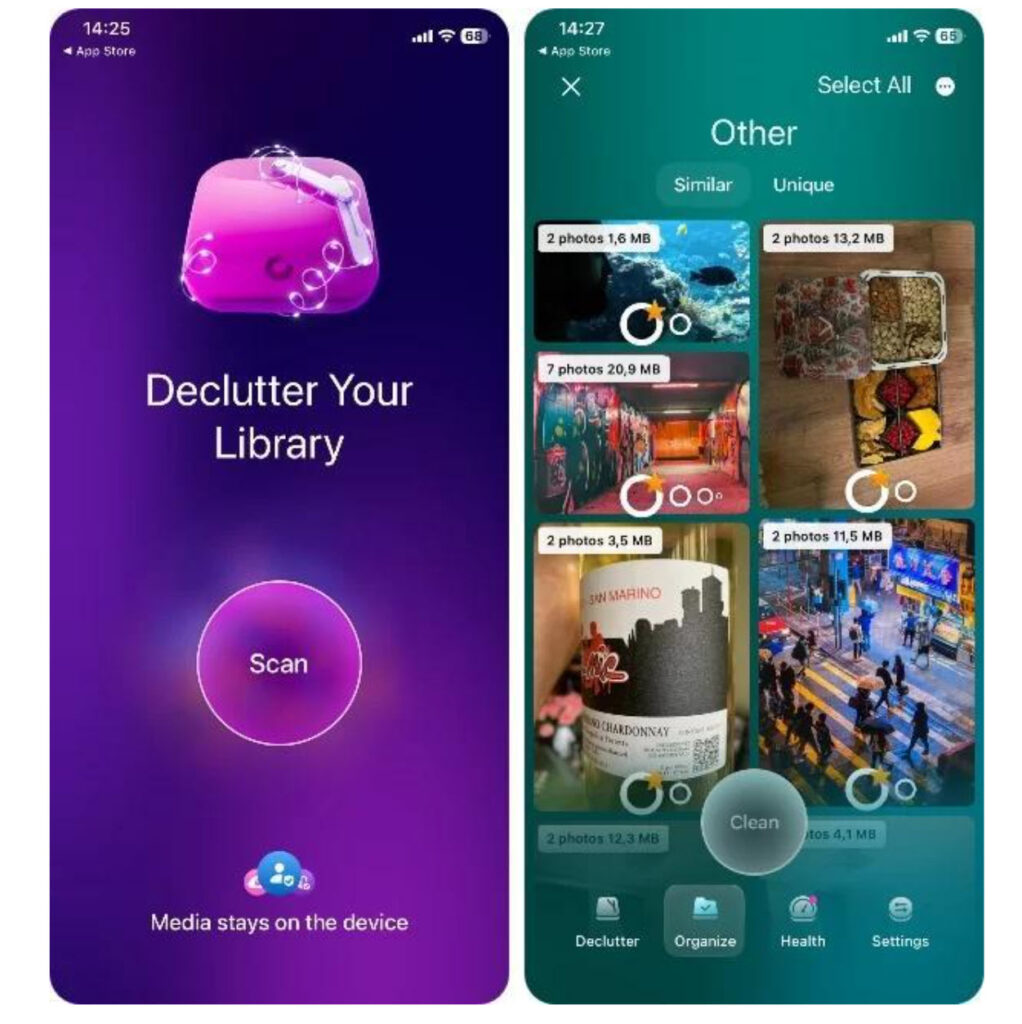
Pros
- Very accurate photo analysis
- Clean, modern interface
- Trusted developer ecosystem
Cons
- Subscription required after trial
3. iCareFone: Phone Transfer & Clean — Best All-in-One iPhone Cleaner (2026 Pick)
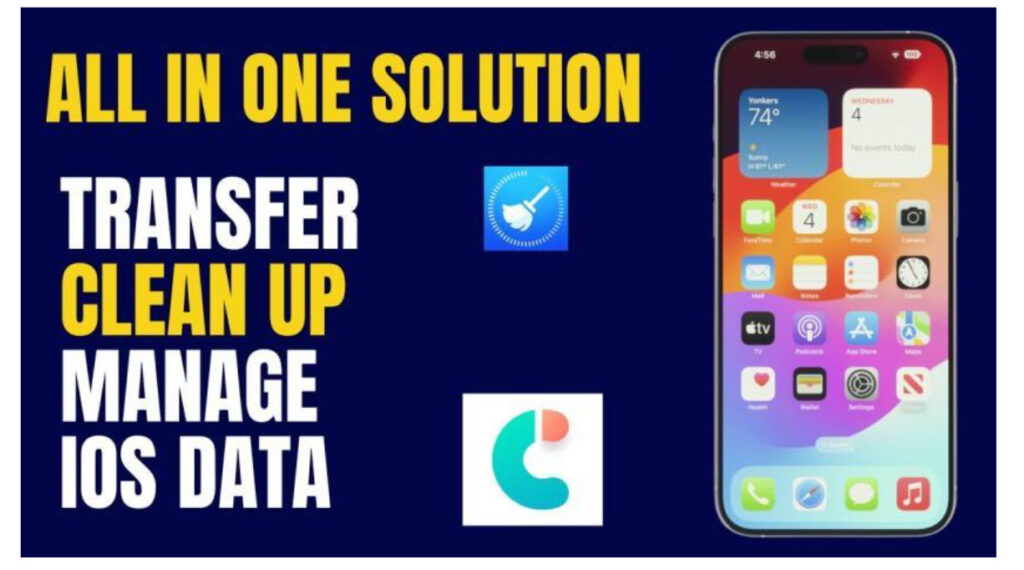
Tenorshare iCareFone tends to stand out in expert reviews and user comparisons as a true all-in-one iPhone cleaner and manager. Unlike photo-only apps, it tends to combine deep cleaning up with secure file transfer and backup.
The iCareFone iOS app offers intelligent photo & video cleanup like duplicates, similar shots, and large files. Exploring the photo and video compression without noticeable quality loss is also possible. It also offers direct photo & file transfer between a computer and iPhone. It is best for you if you’re looking for deep cleanup, safe storage recovery, and full control over your iPhone data.
Pros
- Goes beyond photos: cleanup + transfer + backup
- Reduces reliance on iCloud subscriptions
- Safe, stable, and well-reviewed
- Ideal for long-term storage management
Cons
- A desktop companion is needed for full feature access
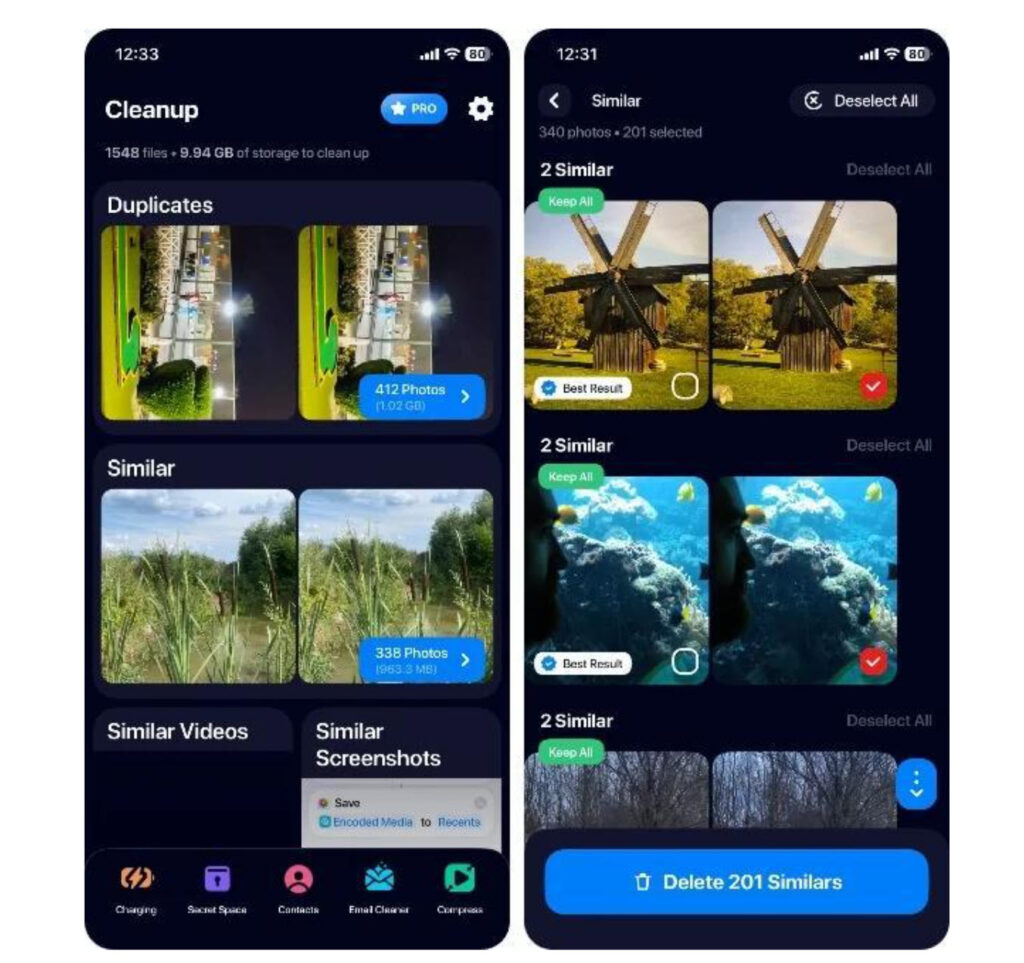
5. Cleanup: Phone Storage Cleaner — Multi-Category Toolkit
Cleanup: Phone Storage Clean is a broader cleanup solution instead of the photo-only app. It offers a simple user interface and helps you explore photo & video cleanup, contact and calendar cleanup, and large-file detection.
Pros
- Covers multiple data categories
- Centralized dashboard
Cons
- Subscription required
- The interface can feel cluttered
Frequently Asked Questions (FAQ)
1. Are phone cleaner apps safe for iPhone?
Yes, reputable cleaning app developers are indeed safer when you download their apps from official developer sites or the App Store. Experts recommend always reviewing deletion previews and avoiding apps with unclear privacy policies or aggressive ads.
2. Is there an all-in-one app for cleaning iPhone storage?
No single app does everything perfectly, but the most well-rounded toolkits include the Cleanup: Phone Storage Cleaner, Cleaner Kit, and AI Cleaner: Clean Up Storage. However, for users who require secure transfers and iOS backups, iCareFone offers the most complete solution.
3. How can I free up iPhone storage fast?
You can free up iPhone storage fast by removing duplicate and similar images, compressing large videos, deleting unused apps, clearing cache and junk files, and transferring photos and videos to a computer using options like iCareFone.
Conclusion
Although iPhone storage problems are universal but they are indeed fixable. The right cleaner app could turn Storage Almost Full into Plenty of Space in a few moments. For users wanting more than just photo cleanup, iCareFone: Phone Transfer & Clean tends to deliver the best balance of deep storage cleaning, smart photo tools, iOS backup, and secure file transfer, enabling you to reclaim space without relying on iCloud and risking data.

Recent comments